
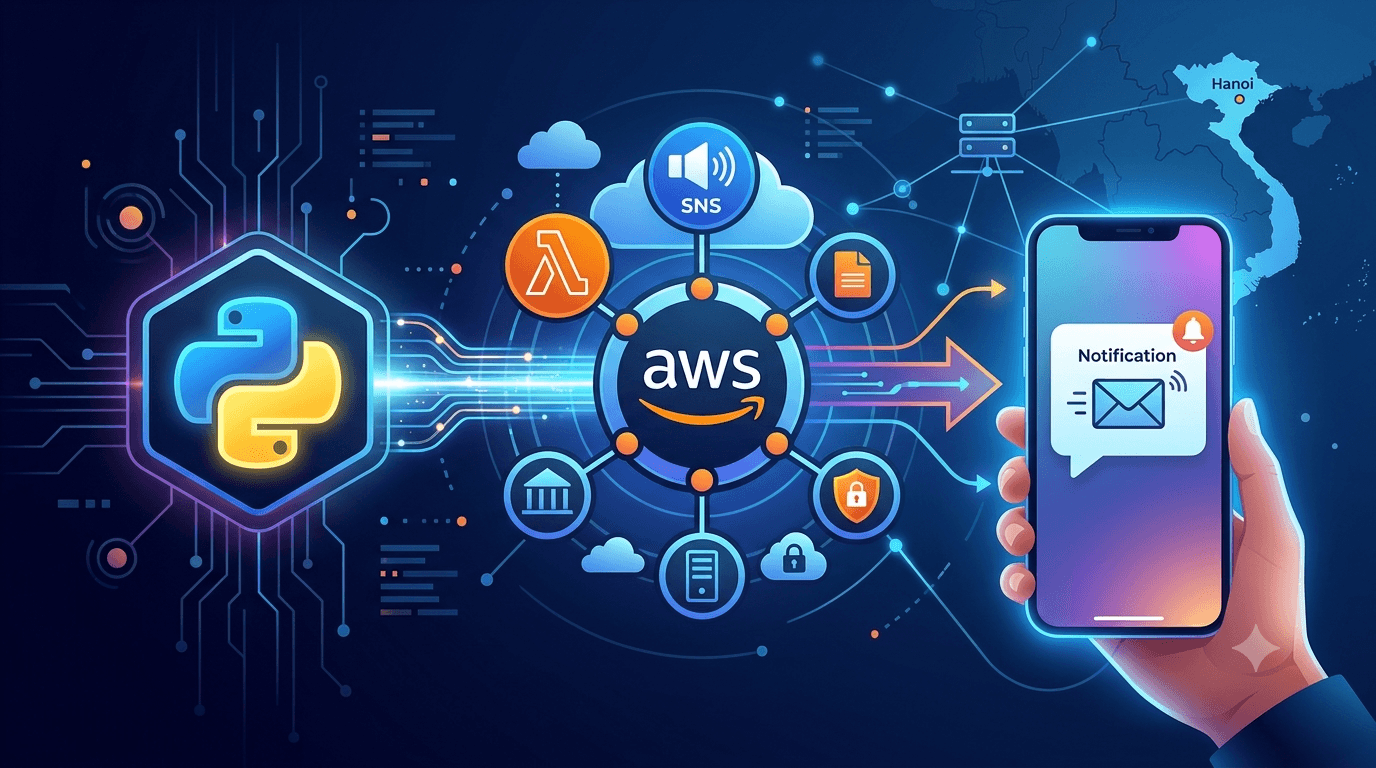
Introduction
AWS has two APIs that send an SMS. Amazon SNS Publish is the old one-liner: give it a phone number and a message. AWS End User Messaging SMS (the service formerly called Amazon Pinpoint SMS) is the newer, dedicated SMS service with sender IDs, phone pools, delivery events and two-way messaging. Since November 2024 the two are the same thing underneath: every SNS text message is delivered and billed through End User Messaging, and SNS Publish is a pass-through.
For a new project, call End User Messaging directly. It gives you an explicit sender, delivery status and cost control that SNS hides. This guide does that with Python and boto3, and keeps the SNS version at the end for the cases where a one-liner is all you need.
Prerequisites
- An AWS account and credentials configured locally (
aws configure, or theAWS_ACCESS_KEY_ID/AWS_SECRET_ACCESS_KEY/AWS_DEFAULT_REGIONenvironment variables). - Python 3.9 or newer with
boto3installed:
pip install boto3- An IAM policy on the user or role that allows sending and, for the sandbox steps, verifying numbers:
{
  "Version": "2012-10-17",
  "Statement": [
    {
      "Effect": "Allow",
      "Action": [
        "sms-voice:SendTextMessage",
        "sms-voice:CreateVerifiedDestinationNumber",
        "sms-voice:SendDestinationNumberVerificationCode",
        "sms-voice:VerifyDestinationNumber",
        "sms-voice:DescribeAccountAttributes"
      ],
      "Resource": "*"
    }
  ]
}
Pick one region and stay in it; sender IDs, phone numbers and the sandbox status are all per region. The examples use ap-southeast-1 (Singapore).
Step 1. Get Out of the Sandbox (or Verify a Test Number)
Every new account starts in the SMS sandbox. In the sandbox you can only send to phone numbers you have verified, at most ten of them. That is enough for development. To send to real customers you open an AWS Support case ("Service limit increase", type SMS), describe your use case and expected volume, and ask to move to production.
While in the sandbox, verify your own phone as a test destination. Three calls: register the number, ask for a code, confirm the code.
import boto3

sms = boto3.client("pinpoint-sms-voice-v2", region_name="ap-southeast-1")

# 1. Register the destination number (E.164 format: +country code, no spaces)
number = sms.create_verified_destination_number(DestinationPhoneNumber="+84901234567")
number_id = number["VerifiedDestinationNumberId"]

# 2. Send a one-time code by SMS (or VerificationChannel="VOICE")
sms.send_destination_number_verification_code(
    VerifiedDestinationNumberId=number_id,
    VerificationChannel="SMS",
)

# 3. Confirm the code you received
sms.verify_destination_number(
    VerifiedDestinationNumberId=number_id,
    VerificationCode=input("Code from the SMS: "),
)
You can check whether the account is still sandboxed at any time:
print(sms.describe_account_attributes()["AccountAttributes"])
# [{'Name': 'ACCOUNT_TIER', 'Value': 'SANDBOX'}, ...]
Step 2. Choose an Origination Identity
The origination identity is what the recipient sees the message coming from. Which one you need depends on the destination country, not on you:
| Destination | What is required | How to get it |
|---|---|---|
| United States | A registered 10DLC number, a toll-free number or a short code. Alphanumeric sender IDs are not supported | Request in the End User Messaging console under Phone numbers, then complete the registration |
| Countries that require pre-registered sender IDs (for example India, Vietnam, Singapore, the UAE) | An alphanumeric sender ID (3 to 11 characters) approved by the local regulator, usually with a company letter of authorisation and business licence | Sender IDs → Request sender ID in the console; approval takes days to weeks |
| Countries with open sender IDs (most of Europe, much of Asia) | Any alphanumeric sender ID, no registration | request_sender_id in the API or the console; usable immediately |
| Anywhere, quick test | Nothing | Omit OriginationIdentity and AWS sends from a shared pool where the country allows it |
For a country with open sender IDs you can request one from Python and use it right away:
sender = sms.request_sender_id(
    SenderId="HIUSVU",
    IsoCountryCode="DE",
    MessageTypes=["TRANSACTIONAL"],
)
print(sender["SenderIdArn"])
For registration-required countries, do the request in the console; the form collects the documents the regulator wants.
Step 3. Send the Message
This is the whole point of the guide. send_text_message sends to one number per call and returns a MessageId once AWS has accepted the message.
import boto3
from botocore.exceptions import ClientError

sms = boto3.client("pinpoint-sms-voice-v2", region_name="ap-southeast-1")

def send_sms(to: str, body: str, sender: str | None = None) -> str:
    params = {
        "DestinationPhoneNumber": to,        # E.164, e.g. "+84901234567"
        "MessageBody": body,
        "MessageType": "TRANSACTIONAL",      # or "PROMOTIONAL"
        "MaxPrice": "0.05",                  # USD per message; refuse anything dearer
    }
    if sender:
        params["OriginationIdentity"] = sender   # sender ID, phone number, pool ID or ARN

    try:
        response = sms.send_text_message(**params)
        return response["MessageId"]
    except ClientError as err:
        raise RuntimeError(err.response["Error"]["Message"]) from err

message_id = send_sms("+84901234567", "Your verification code is 482913", sender="HIUSVU")
print("accepted:", message_id)
Three parameters matter:
MessageType:TRANSACTIONALfor OTPs, alerts and anything time-sensitive; carriers prioritise it and some countries only deliver transactional traffic outside business hours.PROMOTIONALfor marketing.OriginationIdentity: the sender from Step 2. It accepts a sender ID, a phone number, a phone-number ID, a pool ID or any of their ARNs.MaxPrice: a per-message ceiling in USD. If a route costs more, the call fails instead of quietly sending an expensive message.
To test without sending or paying, add DryRun=True: AWS validates the request, returns a MessageId, and delivers nothing.
Step 4. Know Whether It Was Delivered
A MessageId means AWS accepted the message, not that the phone received it. Delivery results arrive as events, and to see them you attach a configuration set with an event destination (CloudWatch Logs, SNS, Kinesis Firehose) and pass its name when sending.
Create the configuration set once, in the console or in Python:
sms.create_configuration_set(ConfigurationSetName="app-sms")Then add an event destination in the console (Configuration sets → app-sms → Add event destination → CloudWatch Logs, all text events), and send with:
sms.send_text_message(
    DestinationPhoneNumber="+84901234567",
    MessageBody="Your order 1042 has shipped",
    MessageType="TRANSACTIONAL",
    OriginationIdentity="HIUSVU",
    ConfigurationSetName="app-sms",
    Context={"orderId": "1042"},     # copied into every event for this message
)
Each event is a JSON record with the messageId, your context, and an eventType. The ones you will act on are TEXT_SUCCESSFUL (the carrier accepted the message), TEXT_DELIVERED (the handset confirmed receipt, in countries where carriers report it), and the failures: TEXT_BLOCKED, TEXT_INVALID, TEXT_CARRIER_UNREACHABLE, TEXT_SPAM and TEXT_TTL_EXPIRED. Filtering the log group on orderId gives you the delivery status of a specific order without any extra bookkeeping.
The Amazon SNS One-Liner
If you only need an occasional alert and already use SNS, Publish still works and is routed through End User Messaging for you:
import boto3

sns = boto3.client("sns", region_name="ap-southeast-1")

sns.publish(
    PhoneNumber="+84901234567",
    Message="Disk usage on db-01 is above 90%",
    MessageAttributes={
        "AWS.SNS.SMS.SMSType":  {"DataType": "String", "StringValue": "Transactional"},
        "AWS.SNS.SMS.SenderID": {"DataType": "String", "StringValue": "HIUSVU"},
    },
)
SNS has its own sandbox with the same rule (verified numbers only) and its own verification calls, create_sms_sandbox_phone_number and verify_sms_sandbox_phone_number. What SNS does not give you is a per-message MaxPrice, message-level events with your own context, or two-way replies; that is the trade for the shorter code.
Cost and Limits to Watch
- You pay per segment, not per message. A segment is 160 characters in GSM-7 (plain Latin text) or 70 characters in UCS-2, which is what you get as soon as the message contains a character outside GSM-7, including Vietnamese diacritics, curly quotes or an emoji. A 150-character Vietnamese message is three segments. Prices vary by country; US messages are around USD 0.006 per segment at the time of writing, and the official price list is on the End User Messaging pricing page.
- The account has a monthly spending limit, USD 1.00 by default, and sends stop when it is reached. Raise it through a Support case together with the production request from Step 1.
- Sending rate is limited per origination identity in message parts per second. A shared or unregistered sender is slow; a dedicated number or registered sender ID is faster.
- Opt-out keywords (STOP, UNSUBSCRIBE) are handled by AWS for promotional traffic on numbers you own; sending again to a number that opted out fails.
Conclusion
Sending SMS from Python on AWS is one send_text_message call with a destination number, a body, a message type and, in most countries, a registered origination identity. The parts that actually take time are the ones around the call: getting the account out of the sandbox, registering a sender ID or number for each destination country, and attaching a configuration set so you can see whether messages arrive. Do those three once, keep MaxPrice and the spending limit in place, and the sending code stays as short as the example above.