
Table Of Content
- Prerequisites
- Step 1. Understanding What Each Edition Adds
- Step 2. Matching Five Business Profiles to an Edition
- Profile A. "We just need one place for customer data" → Free
- Profile B. "We sell through a real pipeline and send email from the CRM" → Standard
- Profile C. "Structured process, customer portal and support in one system" → Professional
- Profile D. "Hierarchy, territories, custom logic and integrations" → Enterprise
- Profile E. "High volume, heavy data, we keep hitting limits" → Ultimate
- Step 3. Questions That Move You Up an Edition
- Step 4. Checking Alternatives Before You Sign
- Common Mistakes
- Conclusion
How To Choose the Right Zoho CRM Edition for Your Business
Published on September 10, 2026
Introduction
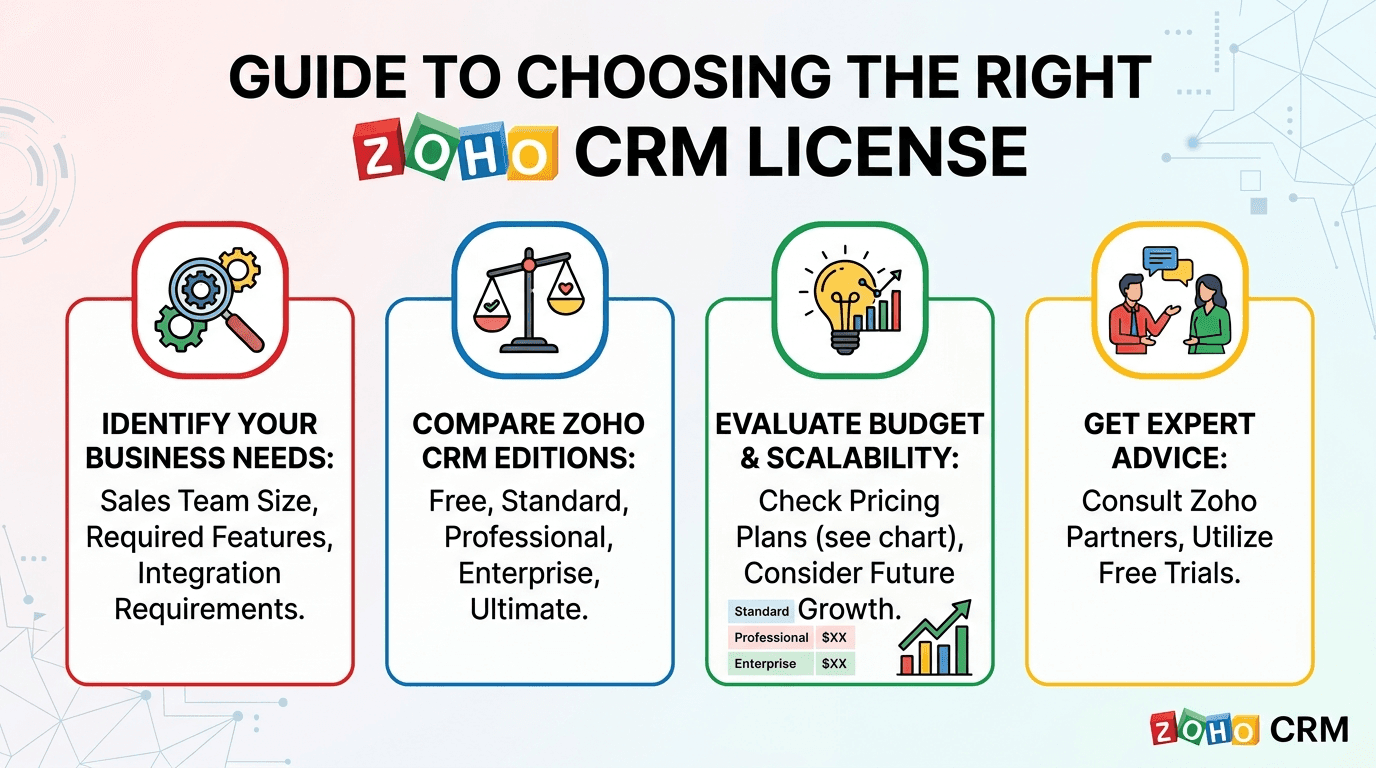
Zoho CRM comes in five editions: Free, Standard, Professional, Enterprise and Ultimate. Every edition is a superset of the one below it, so the question is never "which one is best" but "which one is the lowest edition that covers everything my process actually needs".
Two mistakes show up again and again in implementation projects. Companies over-buy, paying for Enterprise when their process fits comfortably in Standard. Or they under-buy, sign up for Standard, and two months later discover the automation they were promised needs a custom function or a validation rule that only exists two editions up. Both are expensive to unwind, because every user in an organisation must be on the same edition and migration means re-training and re-negotiating.
This guide walks through the decision the way I do it in a scoping call: define the requirements first, map them to the feature that satisfies them, then read off the edition. Along the way we look at five typical business profiles and the edition each one lands on.
Prerequisites
Before you compare editions, write down the answers to these questions. They drive almost every decision below.
- How many users need a login, today and in 12 months?
- What are you selling, and how? One simple sales process, or several products/regions with different stages?
- How much automation do you expect? Reminders and field updates, or multi-step processes with approvals and API calls?
- Who else needs access? Only staff, or also customers, partners or vendors?
- Do you support customers after the sale, and should that live in the CRM?
- What must the CRM talk to? Email, accounting, ERP, a website, a mobile app?
- How much reporting do managers expect? A few dashboards, or territory-level forecasts and hierarchical roll-ups?
- How much data will you store and how many API calls will integrations make per day?
A note on limits and pricing. Zoho publishes an official edition comparison chart and moves features between editions from time to time, usually downwards. Per-user prices at the time of writing, billed annually, are roughly: Standard USD 14, Professional USD 23, Enterprise USD 40, Ultimate USD 52. Always confirm the live chart and price list before you commit. The logic in this guide holds even when the exact numbers shift.
Step 1. Understanding What Each Edition Adds
Think of the editions as layers. Each row below only lists what the edition adds on top of the previous one.
| Edition | Best for | Key additions |
|---|---|---|
| Free (up to 3 users) | A tiny team that needs one shared place for customer data | Leads, Contacts, Accounts, Deals; tasks, calls, events; basic email; standard reports; a small number of workflow rules; mobile apps |
| Standard | Small sales teams that run a real pipeline and send email from the CRM | Scoring rules; multiple sales pipelines; mass email and email templates; custom fields, custom reports and dashboards; sales forecasting; more workflow rules per module; web forms; document library; lookup fields |
| Professional | Growing teams with a structured process, customer support and external users | Blueprint (process enforcement); validation rules; webhooks; SalesSignals; inventory modules (Products, Quotes, Sales Orders, Invoices); Cases and Solutions for customer support; custom modules; portals for customers and vendors; Google Ads integration; more customisation limits |
| Enterprise | Companies with hierarchy, territories, complex automation and integrations | Zia AI (predictions, anomaly detection, best time to contact); territory management and reporting hierarchy; custom functions (Deluge) and custom buttons; approval processes; CommandCenter journey orchestration; multi-user portals; Canvas record design; sandbox; client scripts; wizards; advanced analytics; higher API and storage limits |
| Ultimate | Large, data-heavy organisations that hit Enterprise limits | Everything in Enterprise with substantially raised feature limits (workflows, custom functions, fields, storage, API calls); Zoho Analytics premium features; data preparation and enrichment; advanced security and compliance options |
The rest of this guide is about matching your requirements to the row where the feature you cannot live without first appears.
Step 2. Matching Five Business Profiles to an Edition
Here are the five profiles I meet most often, written as requirement lists rather than feature lists. Find the one closest to yours.
Profile A. "We just need one place for customer data" → Free
- 1 to 3 users, often the founders themselves.
- Customer information currently lives in spreadsheets, inboxes and phones.
- One simple sales flow, if any.
- Automation needs are tiny: a follow-up reminder, maybe an email alert when a lead is created.
- No customer-facing access, no support module, no integrations beyond email.
Verdict: Free. It gives the core modules, tasks and basic workflow rules at zero cost. The limits that will eventually push you out are the three-user cap, the small number of workflow rules, and the lack of custom reports.
Watch out for: if you already know a fourth person joins next quarter, start on Standard. Migrating a Free org is easy, but a changed edition mid-onboarding confuses a team that is still learning the tool.
Profile B. "We sell through a real pipeline and send email from the CRM" → Standard
- A sales team of a few to a few dozen users.
- Several products or markets, each with its own sales pipeline and stages.
- Reps send templated and bulk email from the CRM and want open and click insights.
- Basic data customisation: extra fields on Leads and Deals, a few custom picklists, custom list views.
- Managers want custom reports and dashboards and a simple forecast.
- Lead scoring to prioritise follow-ups.
- No external users, no support desk in the CRM, no process enforcement beyond stage order.
Verdict: Standard. Multiple pipelines, mass email, scoring rules, custom fields and custom reports all arrive at this level, and the workflow limits are enough for reminder-and-update style automation.
Watch out for: Standard has no validation rules and no Blueprint. If "reps must not move a deal to Negotiation without a quote attached" is a hard requirement, you are already in Professional territory.
Profile C. "Structured process, customer portal and support in one system" → Professional
Everything in Profile B, plus:
- Medium-level customisation: custom modules for things that are not Leads or Deals (projects, contracts, assets).
- Basic validation: required combinations of fields, value ranges, format checks that must be enforced when the record is saved.
- Process enforcement: a Blueprint that dictates which stage can follow which, and what must be filled in at each transition.
- External access: a portal where customers can see their own records, and where vendors or partners log in to work in the same system without buying full user licences.
- Customer support inside the CRM: Cases and Solutions, so the account manager sees tickets next to deals.
- Quotes, sales orders and invoices generated from the CRM.
- Webhooks to push events into other tools without writing code.
Verdict: Professional. This is the edition where the CRM stops being a contact list with a pipeline and becomes a system of record for the whole customer lifecycle. Portals, Cases, Blueprint, validation rules, custom modules and inventory modules all land here.
Watch out for: Professional automation is declarative only. Workflows, Blueprints and webhooks can update fields, send email and call a URL, but they cannot run your own logic. The moment a requirement says "calculate", "look up in another module and decide", or "call this API and write the response back", you need custom functions.
Profile D. "Hierarchy, territories, custom logic and integrations" → Enterprise
Everything in Profile C, plus:
- A real organisational hierarchy: regional managers who see their region, country heads who see several regions, reports that roll up along that tree. Territory management and reporting hierarchy are the features that model this.
- Custom functions: server-side Deluge that runs on workflows, buttons, Blueprint transitions and schedules. This is where integrations with ERPs, accounting systems, e-signature tools and in-house APIs actually live.
- Approval processes: discounts above a threshold, contract terms, credit limits.
- Journey orchestration (CommandCenter) across email, tasks and other Zoho apps.
- AI assistance: deal win prediction, anomaly alerts, lead conversion prediction, email sentiment.
- Multi-user portals where several people from one customer account log in.
- A sandbox to test changes before they hit production.
- Meaningfully higher storage and API limits for the integrations above.
Verdict: Enterprise. In practice, the single most common trigger for Enterprise is not any of the flashy features; it is the phrase "we need to integrate the CRM with...". Integrations of any depth need custom functions, and custom functions need Enterprise.
Watch out for: Enterprise still has limits (number of custom functions per org, execution credits, fields per module, API calls per day). Most organisations never reach them, but high-volume ones do, which brings us to the last profile.
Profile E. "High volume, heavy data, we keep hitting limits" → Ultimate
- Hundreds of users or millions of records.
- Integrations that make large numbers of API calls every day (sync jobs, e-commerce feeds, telephony).
- Dozens of custom functions and workflows across many modules.
- Heavy reporting needs served by Zoho Analytics with premium connectors and data preparation.
- Compliance or security requirements that call for the enhanced options.
Verdict: Ultimate. Functionally it is Enterprise with the ceilings raised across the board. You choose it because you are constrained by limits, not because a specific feature is missing.
Watch out for: Ultimate is often bought too early. If you are not already bumping into an Enterprise limit, or can show from the requirements that you will within a year, stay on Enterprise and upgrade when the numbers demand it.
Step 3. Questions That Move You Up an Edition
If none of the profiles fits exactly, use this list. Each "yes" sets a minimum edition; the highest minimum wins.
| If you answer yes to... | Minimum edition |
|---|---|
| More than 3 users? | Standard |
| More than one sales pipeline? | Standard |
| Bulk or templated email sent from the CRM? | Standard |
| Custom reports and dashboards for managers? | Standard |
| Fields that must be validated on save? | Professional |
| A defined stage-by-stage process reps must follow (Blueprint)? | Professional |
| Customers, vendors or partners logging in (portal)? | Professional |
| Support cases handled inside the CRM? | Professional |
| Quotes, orders or invoices generated from the CRM? | Professional |
| Custom modules beyond the standard ones? | Professional |
| Territories or a reporting hierarchy for visibility and roll-ups? | Enterprise |
| Any integration that needs code (ERP, accounting, custom API)? | Enterprise |
| Approval processes? | Enterprise |
| AI predictions and anomaly alerts? | Enterprise |
| A sandbox before changes go live? | Enterprise |
| Already at, or forecast to exceed, Enterprise limits on API calls, functions or storage? | Ultimate |
Step 4. Checking Alternatives Before You Sign
Three options are worth a look before you finalise the edition, because they sometimes fit better than a straight Zoho CRM licence.
- Bigin by Zoho. A pipeline-centric CRM for very small teams. If Profile A is you and the three-user cap is the only thing pushing you to Standard, Bigin is often cheaper and simpler.
- Zoho CRM Plus. Bundles CRM (Enterprise features) with Desk, Campaigns, SalesIQ, Analytics and more. If Profile C or D also needs a proper help desk or marketing automation, the bundle can cost less than buying the apps separately.
- Zoho One. The whole suite, licensed per employee. When a company plans to run finance, HR, projects and support on Zoho as well, Zoho One usually beats the sum of the parts, and it includes CRM at Enterprise level.
Also use the free 15-day trial of any paid edition to verify the one or two features your decision hinges on. Build the Blueprint, create the portal, write the custom function. Ten minutes of testing beats a year on the wrong plan.
Common Mistakes
- Choosing by price list instead of by requirement. Start from the process, find the feature that satisfies each requirement, then read the edition off the chart.
- Assuming "automation" is one thing. Reminders and field updates are Standard. Enforced processes and validation are Professional. Anything with logic or an external call is Enterprise.
- Forgetting the external users. Portals are frequently discovered late, after Standard has already been purchased.
- Ignoring limits on the mid-tier editions. Workflow rules, custom fields and custom modules all have per-edition caps. Read them for the edition you are about to buy.
- Buying Ultimate "to be safe". Ultimate is for organisations that are already limit-bound. Enterprise covers almost every functional requirement.
- Mixing editions. You cannot have some users on Standard and others on Enterprise in the same org. Budget for the whole team at the edition your process needs.
Conclusion
Picking a Zoho CRM edition is a requirements exercise, not a shopping exercise. Free covers a handful of users who need a shared customer list. Standard adds real pipelines, email and reporting. Professional turns the CRM into a system of record with process enforcement, validation, portals and support. Enterprise brings hierarchy, custom logic, integrations and AI. Ultimate lifts the ceilings for high-volume organisations. Write the requirements down, find the first edition that satisfies all of them, test the deal-breaker features in a trial, and only then look at the invoice.