
How To Get the Approval Flow of a Record with the Zoho People API
Published on January 3, 2026
Introduction
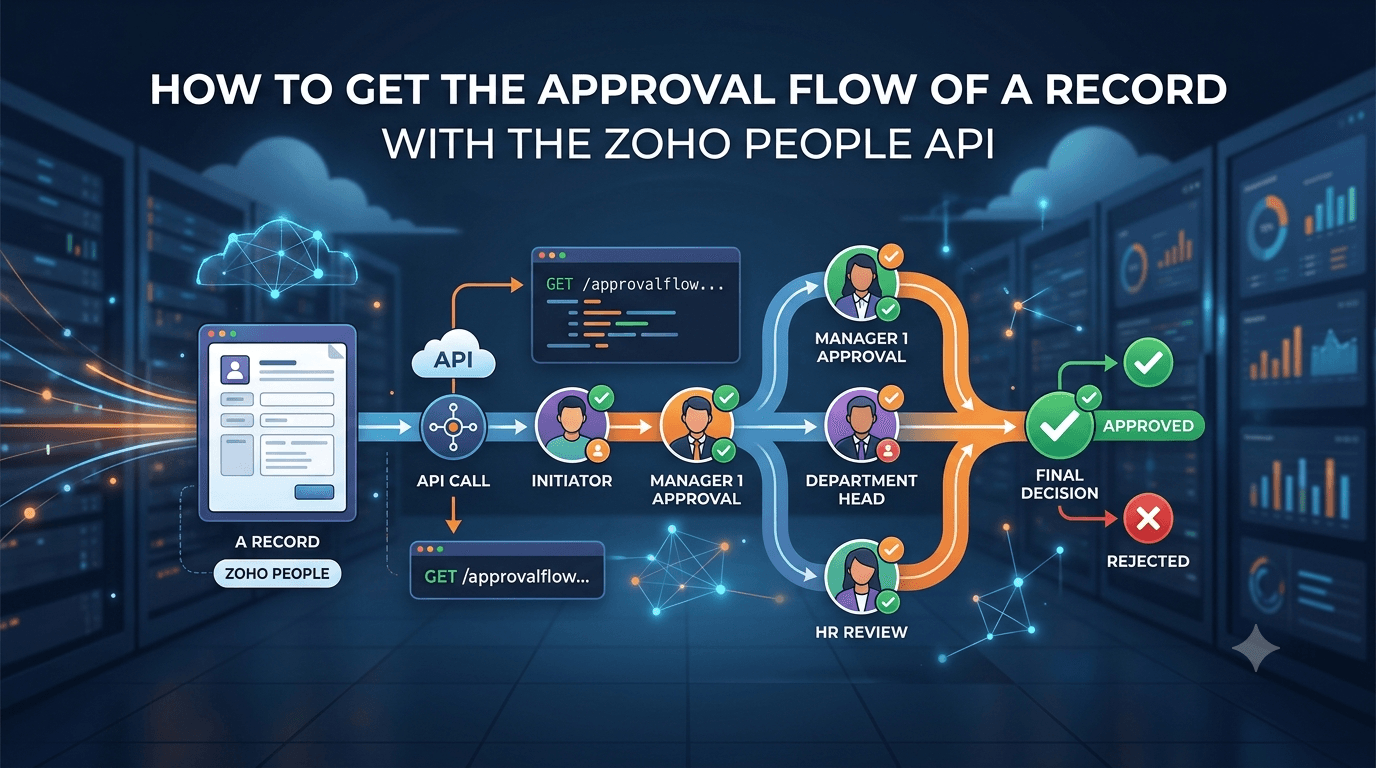
When a Zoho People form has an approval process, every record carries its own approval trail: which approver acted at which level, whether they approved or rejected, and when. The UI shows this in the record's Approval tab. To use it from an integration, for example to push an approved purchase order to another system or to chase the approver who is holding things up, you need the same data through the API.
The endpoint for that is getApprovalDetails. It works with a normal OAuth token or Connection, and this guide shows the shortest working version in Deluge.
Prerequisites
- A Zoho People Connection (or OAuth token) with the
ZOHOPEOPLE.forms.ALLscope. - A form that has an approval process configured, and a record in it that has been submitted for approval. This guide uses a custom form called
Purchase Order.
Step 1. The Three Parameters
getApprovalDetails needs the form and the record, identified in two ways at once:
| Parameter | What it is | Where to get it |
|---|---|---|
formLinkName | The form's link name | Fetch Forms API: GET /people/api/forms, field formLinkName |
formId | The form's numeric ID | The same Fetch Forms response, field componentId |
recordId | The record whose approval trail you want | The record's ID, visible in its URL in Zoho People |
Reference: Fetch Forms API.
Step 2. The Deluge Function
Replace the three values and the Connection name with your own. The function calls the endpoint and prints every processed approval step.
formLinkName = "purchase_order";
formId       = "3000000123456";   // componentId from the Fetch Forms API
recordId     = "3000000130001";

// 1. Call getApprovalDetails
params = Map();
params.put("formLinkName", formLinkName);
params.put("formId", formId);
params.put("recordId", recordId);

response = invokeUrl
[
    url : "https://people.zoho.com/people/api/getApprovalDetails"
    type : POST
    parameters : params
    connection : "zoho_people"
];

// 2. Read the processed steps
result    = response.get("response");
processed = result.get("result").get(0).get("processed");

for each step in processed
{
    info step.get("name") + " | " + step.get("approvalStatusStr") + " | " + step.get("approvedTime");
}
status in response is 0 on success. If the record has no approval process or the IDs do not match, status is non-zero and result is empty; check it if the function runs unattended.
Step 3. Reading the Response
The response wraps a result array with one element per approval process on the record. Inside it, the steps that have already been acted on are under processed, and the ones still waiting are under pending. A rejected record, for example, looks like this:
{
  "response": {
    "result": [
      {
        "processed": [
          {
            "name": "Nguyen Van A",
            "approvalStatusStr": "Approved",
            "approvedTime": "12-Sep-2026 09:15:42"
          },
          {
            "name": "Tran Thi B",
            "approvalStatusStr": "Rejected",
            "approvedTime": "12-Sep-2026 14:02:10"
          }
        ],
        "pending": []
      }
    ],
    "message": "Data fetched successfully",
    "status": 0
  }
}
The exact field names can differ slightly between Zoho People editions and versions. The first time you run the function, print the whole thing with info response; and adjust the step.get(...) keys to what you see.
Two patterns come up constantly:
- Final decision: the last element of
processedtells you whether the record ended asApprovedorRejected. - Who is blocking: if
pendingis not empty, its first element is the approver the record is waiting on.
The Same Call with curl
curl -X POST "https://people.zoho.com/people/api/getApprovalDetails" \
  -H "Authorization: Zoho-oauthtoken 1000.xxxxxxxx.yyyyyyyy" \
  --data-urlencode "formLinkName=purchase_order" \
  --data-urlencode "formId=3000000123456" \
  --data-urlencode "recordId=3000000130001"
If your organisation is on another data centre, replace people.zoho.com with people.zoho.eu, people.zoho.in, and so on.
Conclusion
The approval trail of a Zoho People record is one getApprovalDetails call with formLinkName, formId and recordId. Read result[0].processed for what has happened and result[0].pending for what has not, and you have everything the Approval tab shows, ready to drive a sync or a reminder from Deluge.